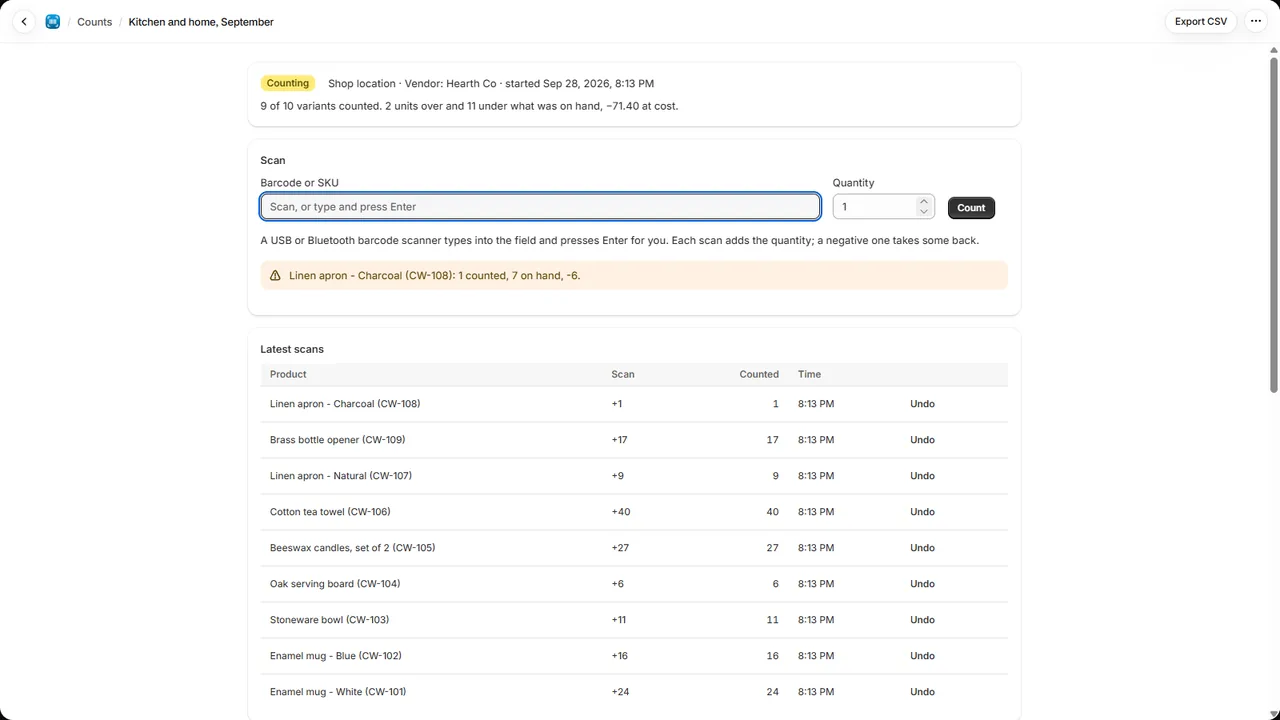
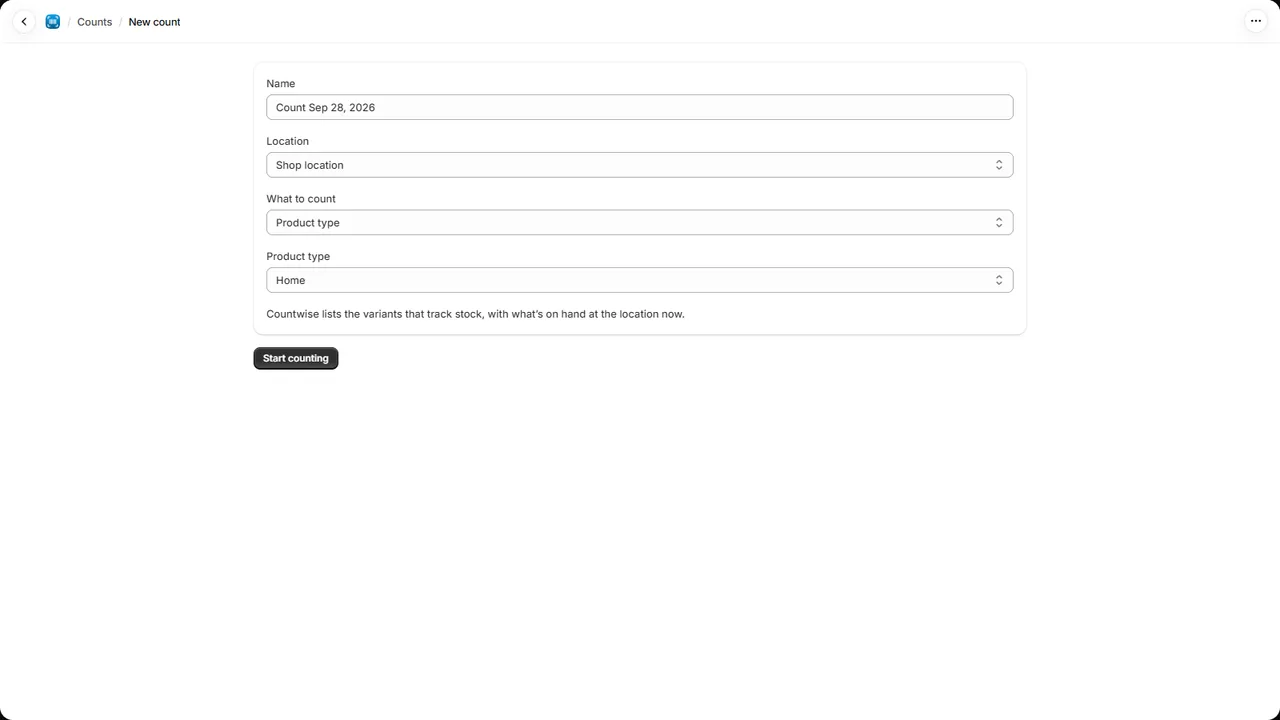
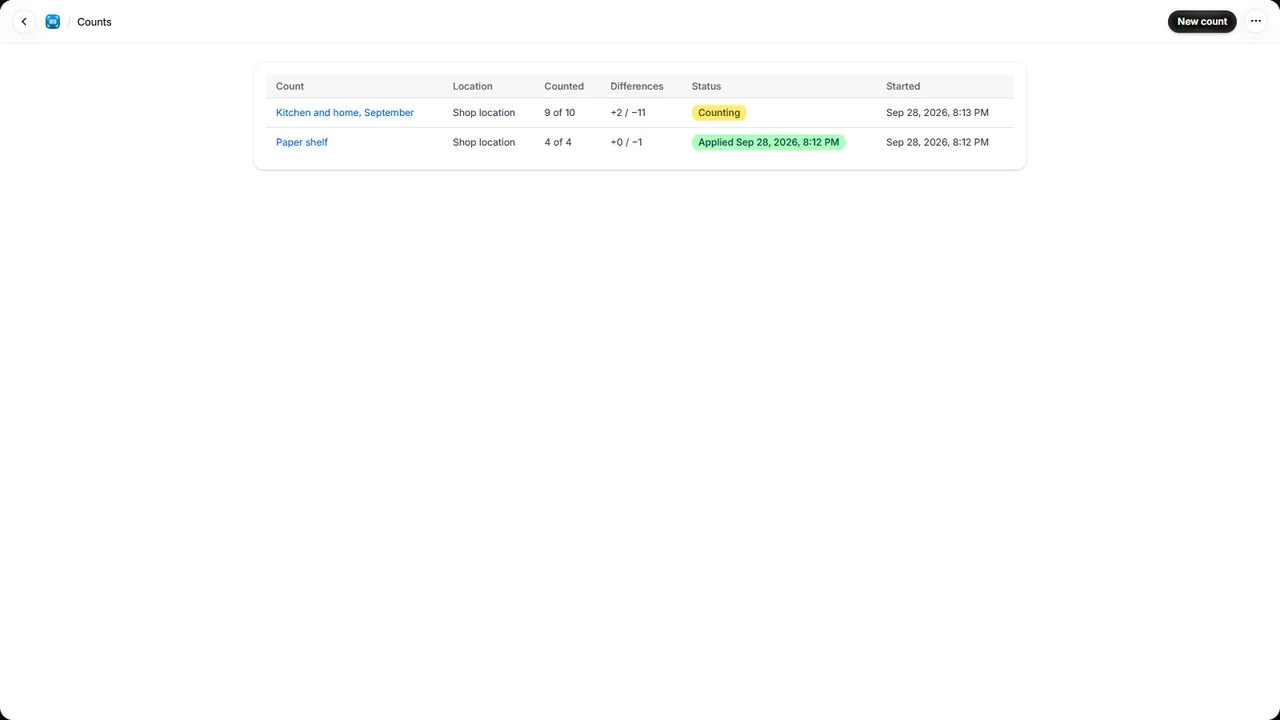
Countwise is a Shopify app for stocktakes. Start a count for a location, scan what is on the
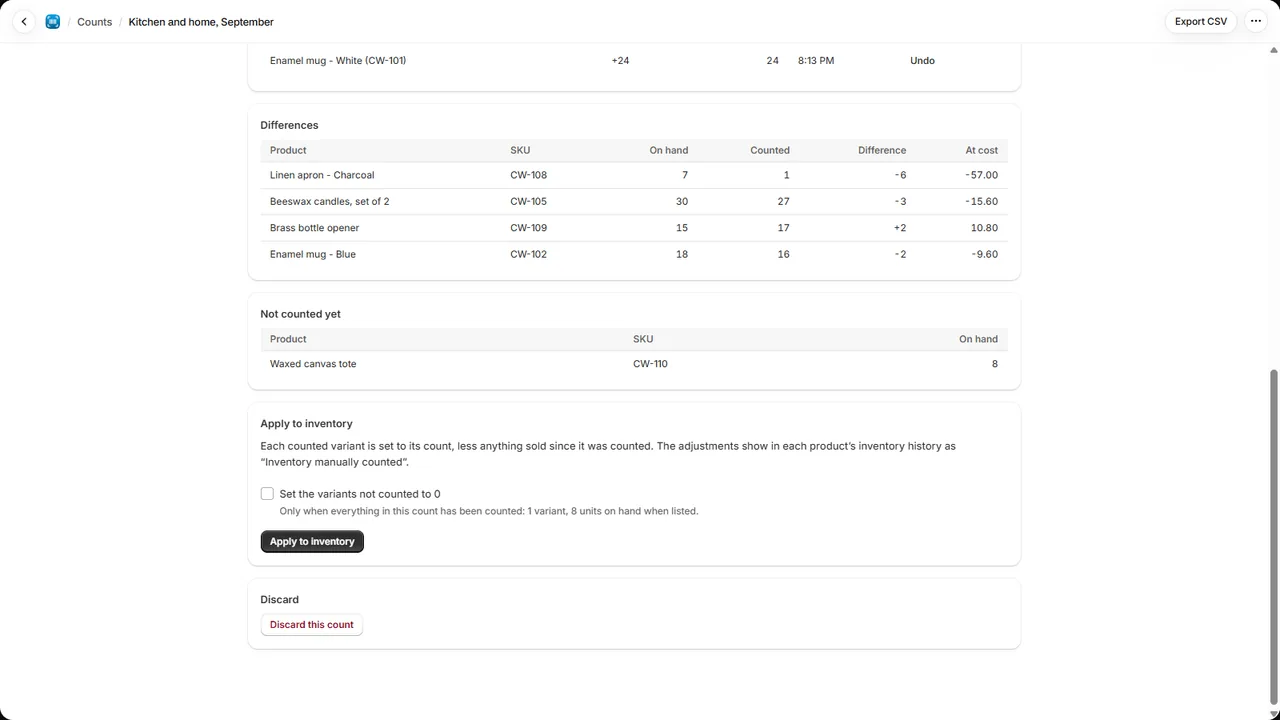
shelves, see what is over and under, and correct your inventory in one go. It takes over where
Stocky’s stocktakes left off.
- Scan with what you have: a USB or Bluetooth barcode scanner, your phone’s camera in the
Shopify app, or type the SKU. Scan the same product again, or enter a quantity for a full box.
- Count together: several people can scan the same count at once, each on their own device.
Every scan is saved as it happens and can be undone.
- Count part of the store: every product at a location, or one vendor, product type or tag.
A product scanned that isn’t in the count is added to it.
- Right while you sell: each product’s stock is read when it is first scanned, and applying
moves it by the difference from that figure, so orders placed during the count still come off.
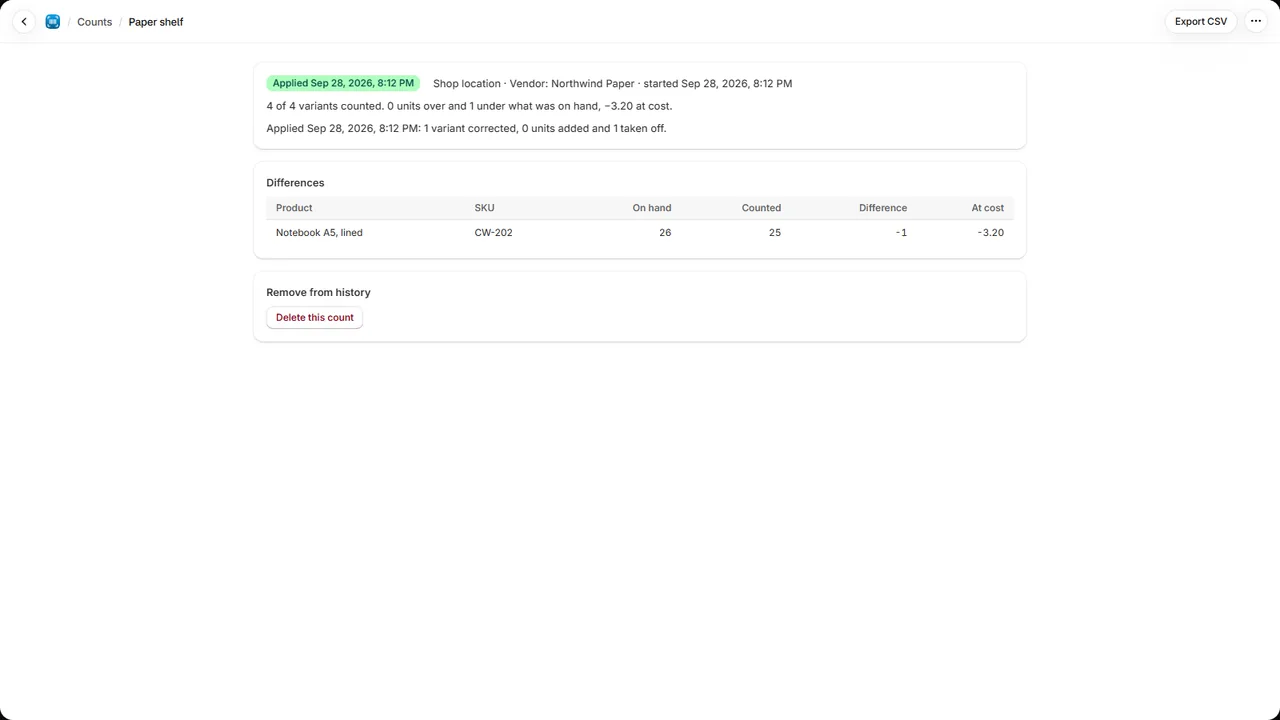
- Applied as a cycle count: the adjustments show in each product’s inventory history as a
cycle count. Products not counted can be left as they are or set to 0.
Plans
Billed by Shopify.
- Free: counts of up to 100 variants at your primary location.
- Pro: counts of any size at every location, the value of the differences at cost, and each
count exported as a CSV. $14.99 a month or $149 a year, with a 7-day free trial. Your price
stays the same for as long as you keep the plan; cancel any time from the app.
Good to know
- Products are found by their barcode, or else their SKU, so give each variant one of them.
- Only variants that track their stock are counted.
- A variant not yet stocked at the count’s location is stocked there with its count.
- Counts stay in the app until you delete them.
Support
Write to spyridwn.pd@gmail.com with your store’s address
(your-store.myshopify.com) and, if it’s about a count, its name.
Privacy policy