
PacketFill: Fill PDF Forms for Google Sheets™
Fill PDF forms from Google Sheets™ rows, review fit and download a ZIP.
Privacy policy · Terms of service · Support: spyridwn.pd@gmail.com
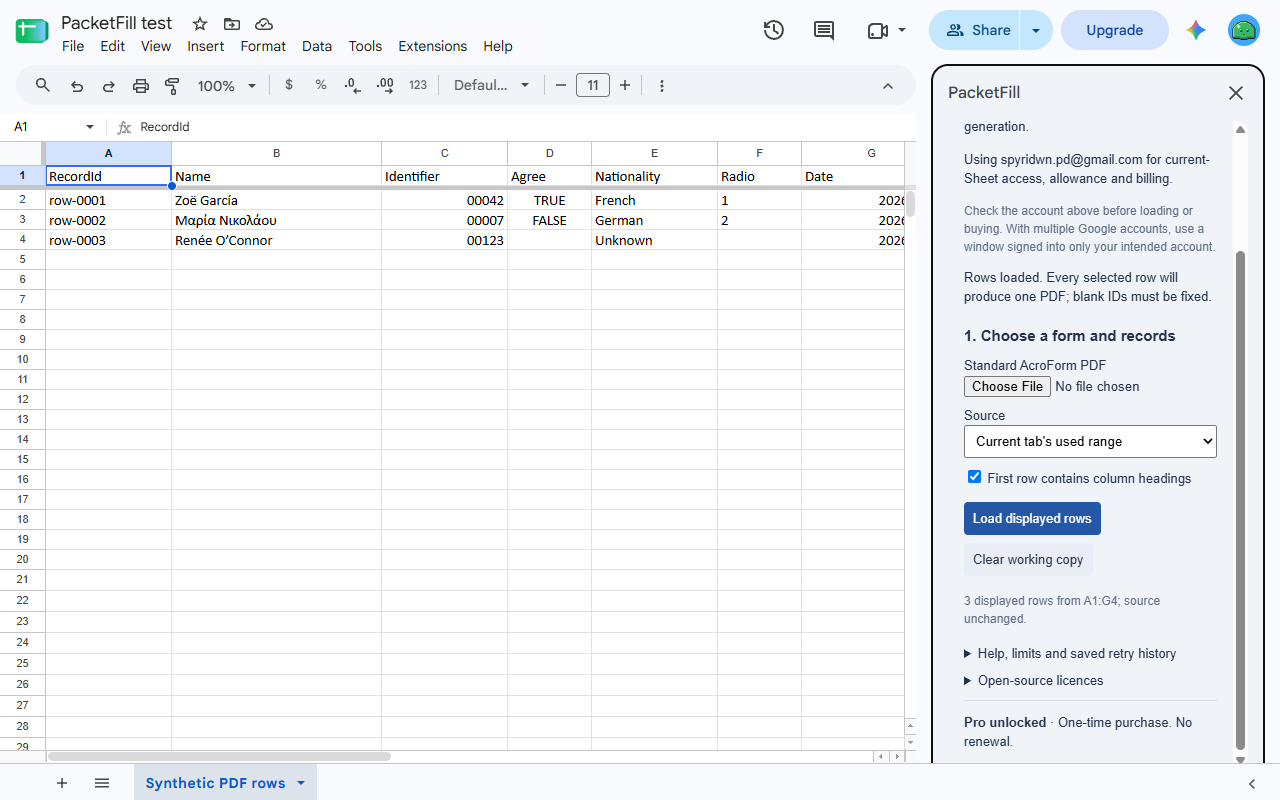
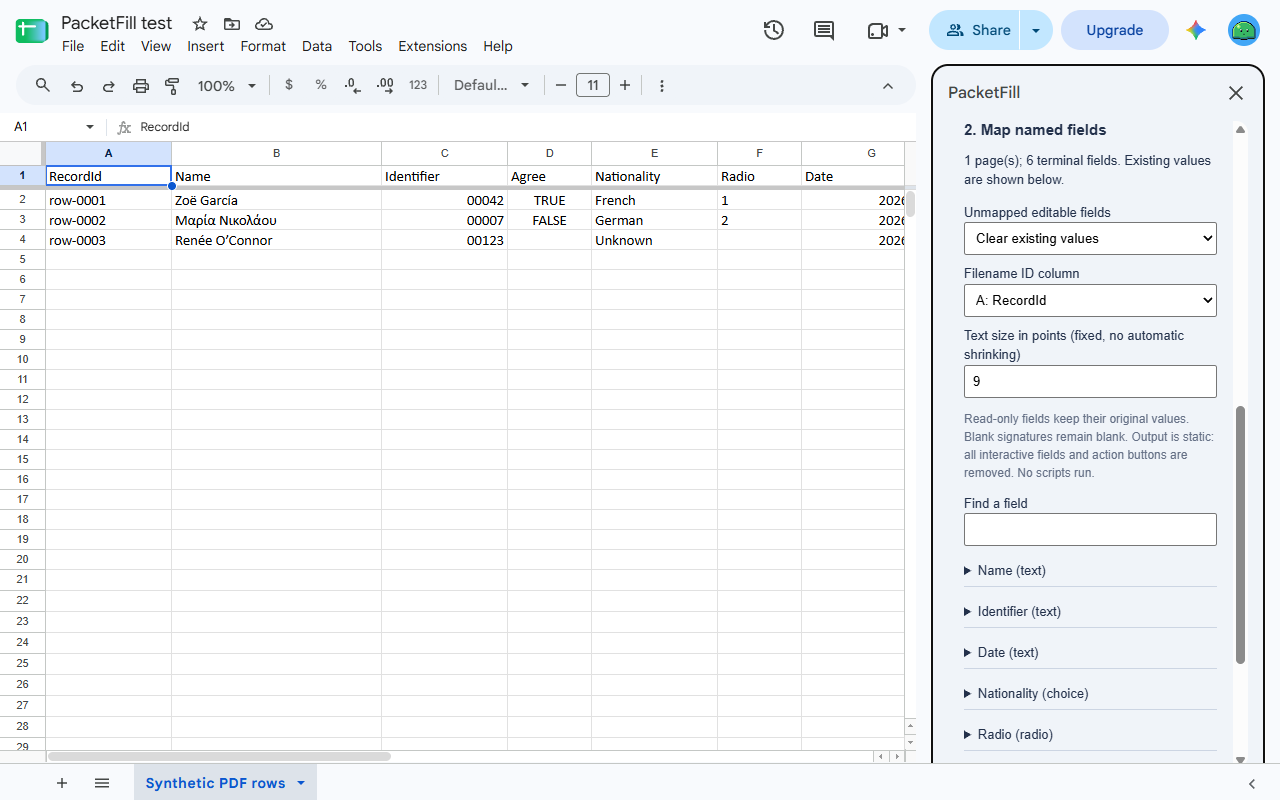
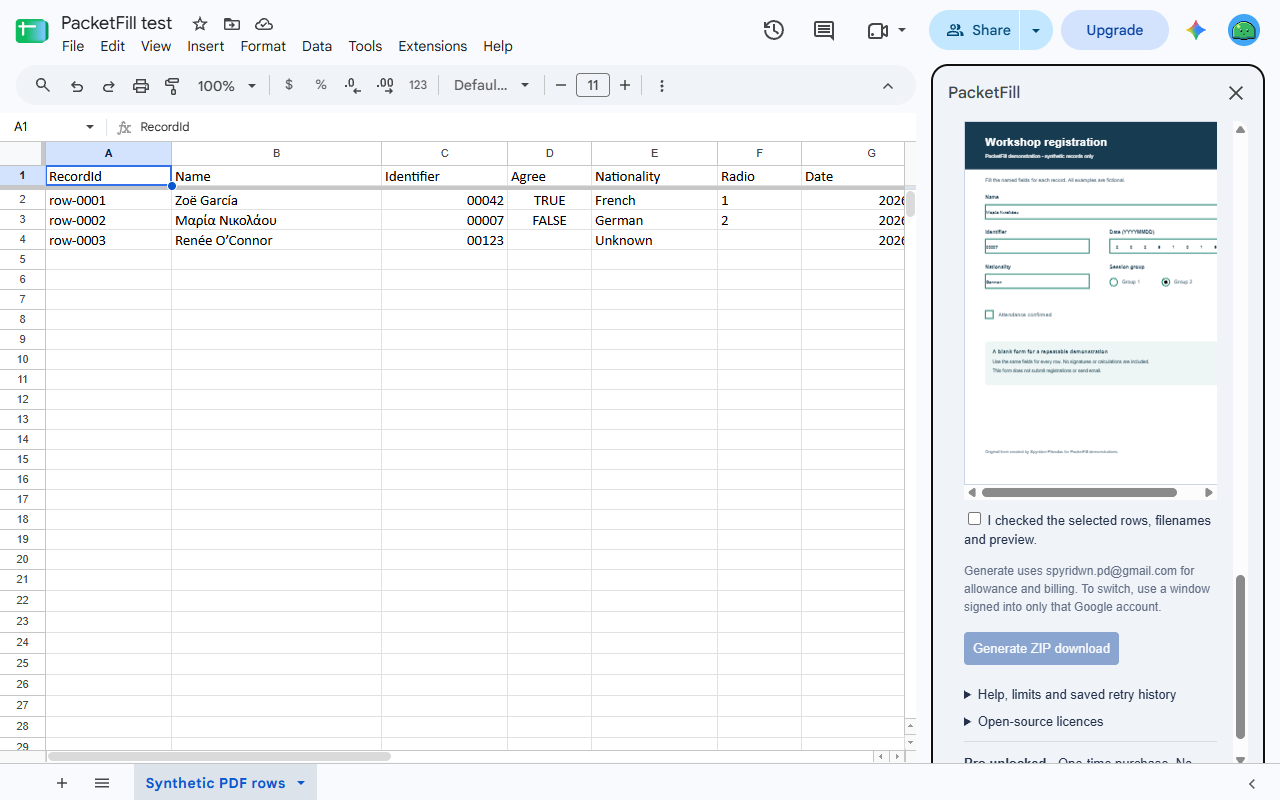
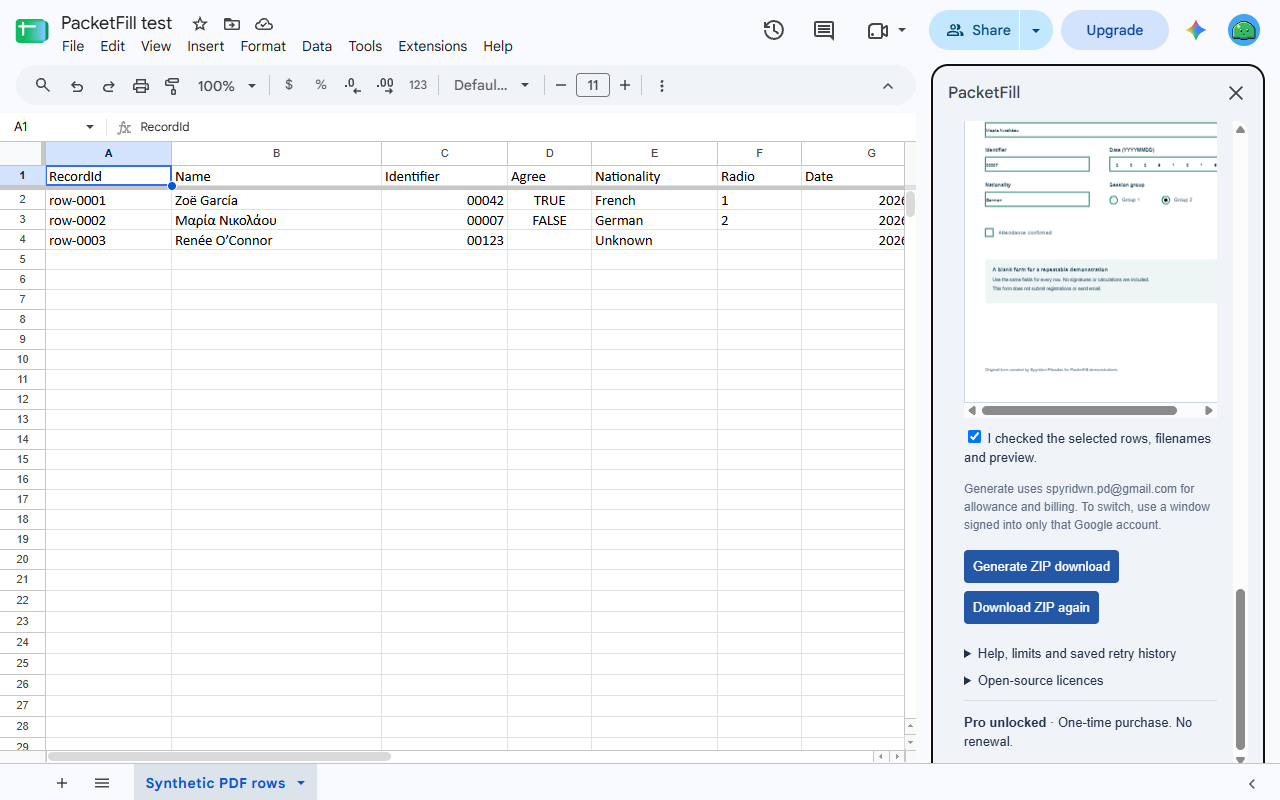
Turn a list in Google Sheets™ into completed PDF forms. Map your columns, preview each record and download one PDF per row together in a ZIP. Keep your original form and source cells.
Install PacketFill from the Google Workspace Marketplace.
Three PDFs free, $9 once for more
Mapping and preview are free. Generate three completed PDF outputs in total per Google account, then unlock more within the supported limits for $9 once. No subscription or automatic renewal. A multipage PDF counts as one output. Any tax is shown at checkout; refunds are available within 14 days. The sidebar shows the Google account used for the source, free allowance and billing; the paid unlock belongs to that account.
Fill the form you already use
- Read selected cells or explicitly use the current tab’s used range. Choose whether the first row contains headings.
- Use ordinary fillable AcroForms with existing named fields. Search field names and map them to columns, without positioning text on a page.
- Keep displayed identifiers with leading zeroes. Fill text, checkboxes and single-choice fields.
- Choose whether unmapped editable fields keep their existing values or clear. Read-only values stay unchanged.
- Check text fit, supported characters, choice values and unique output filenames before output. Overlong values give a record/field error instead of silently spilling into the next box.
- Review the actual filled pages for every record. Download one flattened PDF per row, with all pages preserved, in a single ZIP.
Your forms stay with you
Sheet values come from Google’s services; PDF filling, previews and ZIP preparation happen in your browser. No AI, broad Drive access or outside PDF upload service is involved. Stripe handles billing and receives your email, without receiving your spreadsheet content or PDF documents.
Details
Supported input is a local, unencrypted ordinary AcroForm: up to 5 MiB, 20 pages and 1,000 terminal fields. A job can contain up to 50 records, with at most 50 MiB of PDF bytes in its ZIP. Source limits also include 30 columns, 1,530 cells including headings and 1.5 million text characters. Text and comb fields, checkboxes, single-choice dropdowns and radio groups are supported. Text must fit at the chosen font size; bundled font coverage includes Latin and Greek. Technical and Google service limits apply to free and paid use.
Scans, flat PDFs without fields, XFA, encrypted or signed/certified documents, rotated pages or widgets, rich-text, multiselect and script-dependent forms are outside the supported workflow. A PDF that looks fillable can still use an unsupported form technology. PacketFill checks input before generation. Output is static: fields, action buttons and blank signature widgets are no longer interactive. PacketFill does not sign, submit, email or calculate forms, or run PDF scripts. Check the completed documents before using them.
If a batch exceeds the remaining free outputs, select fewer records or unlock; PacketFill does not silently omit rows. A 13-page PDF counts as one output, and the ZIP is only its package.
Generation counts when completion is recorded, rather than when your operating system confirms a saved file. A repeated download or recognized retry of the same unchanged latest job does not use the allowance again. After reopening, reselect its PDF, rows and options to regenerate it. The latest retry record has no automatic expiry. Starting a different batch that passes the source and allowance checks replaces it before completion. Forget retry history removes it without restoring free usage or removing the purchase.
Try a form and sample rows
Fill a PDF form from Google Sheets™ rows explains mapping, preview and download. The starter ZIP includes the original blank form, three fictional CSV records and instructions for trying one record first.
Privacy policy · Terms of service · Support: spyridwn.pd@gmail.com