
Crowdtime: YouTube Comments as Live Chat
Watch YouTube comments flow like a live chat: timestamped comments appear at their moment, new ones as they're posted.
Privacy policy · Terms of service · Support: spyridwn.pd@gmail.com
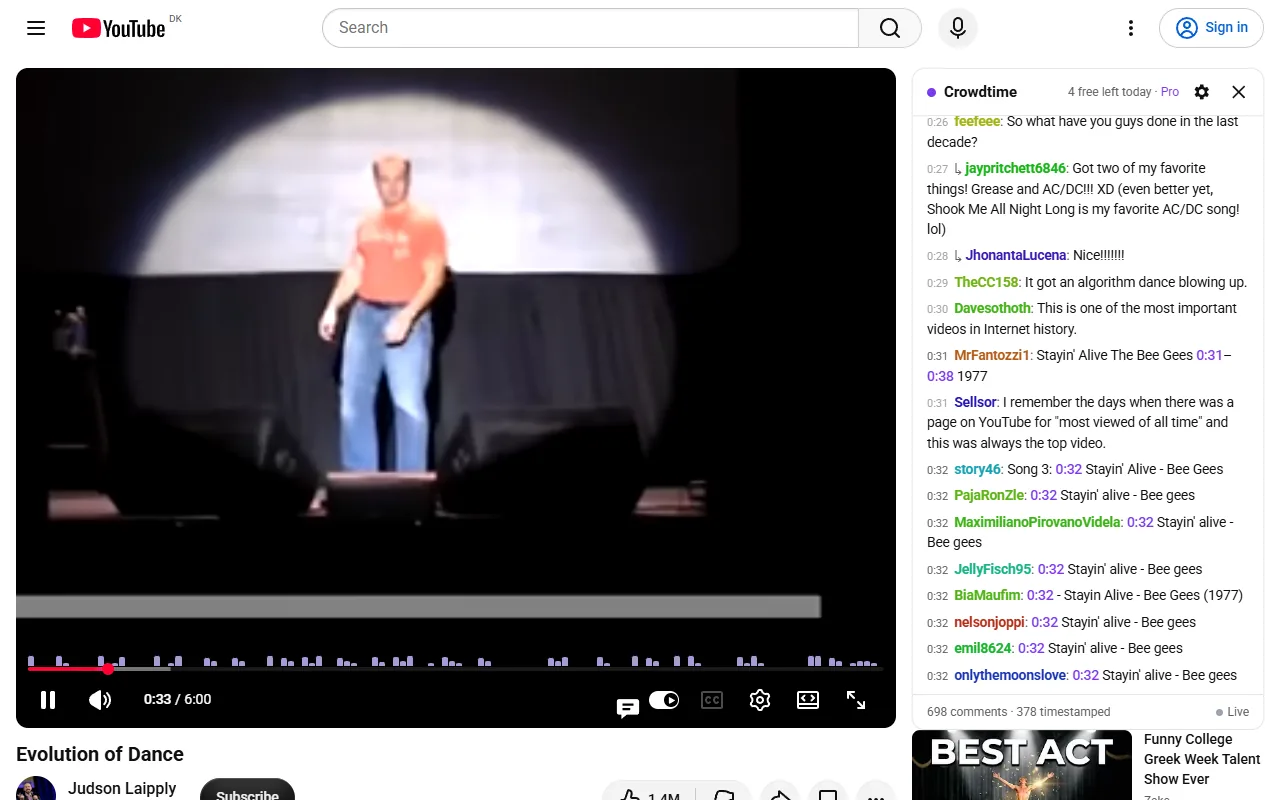
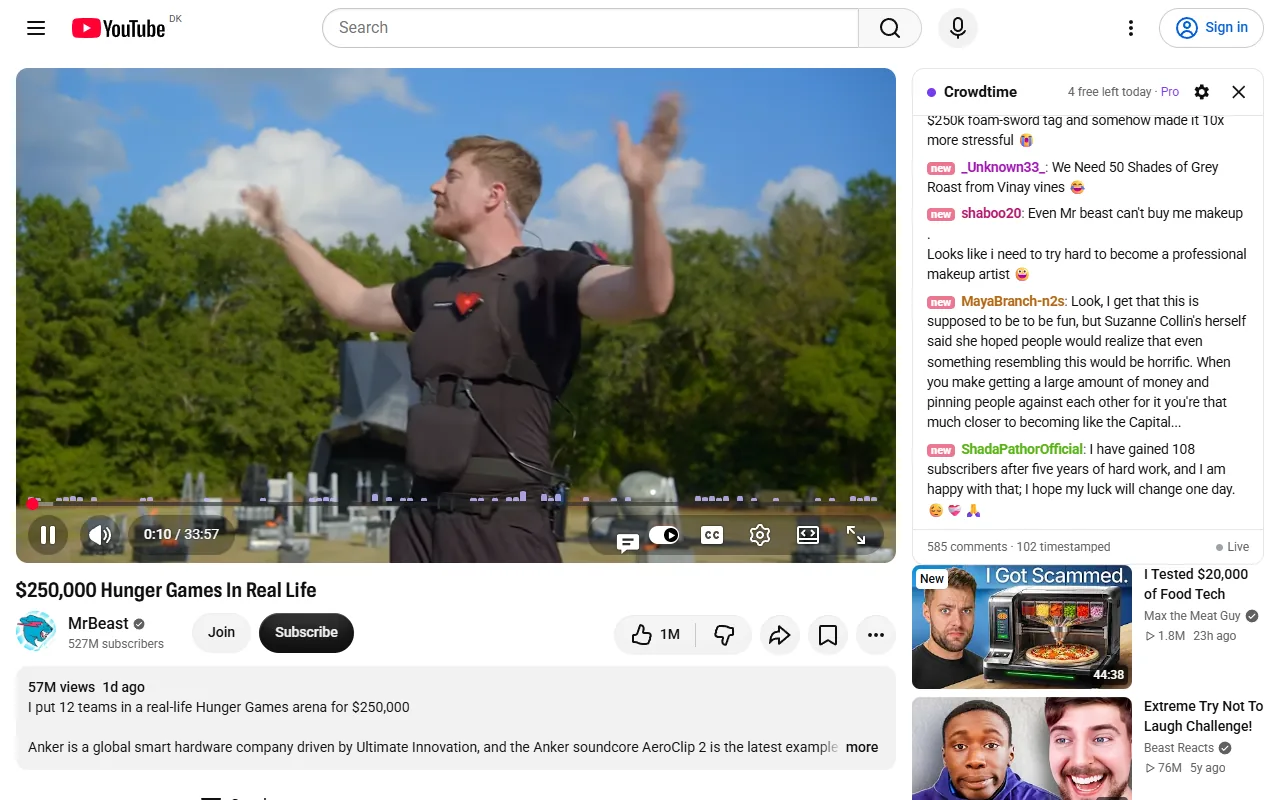
Watch a YouTube video’s comments the way you’d watch a live chat. Crowdtime is available free from the Chrome Web Store.
A panel beside the video shows its comments as a chat. A comment that mentions a moment, like “2:41 the drop!”, appears when the video reaches 2:41, and a comment listing several moments plays line by line. Other comments drift by in between, and on recent videos new comments arrive while you watch. The chat pauses with the video, follows its speed and catches up when you skip. Click a timestamp to jump there.
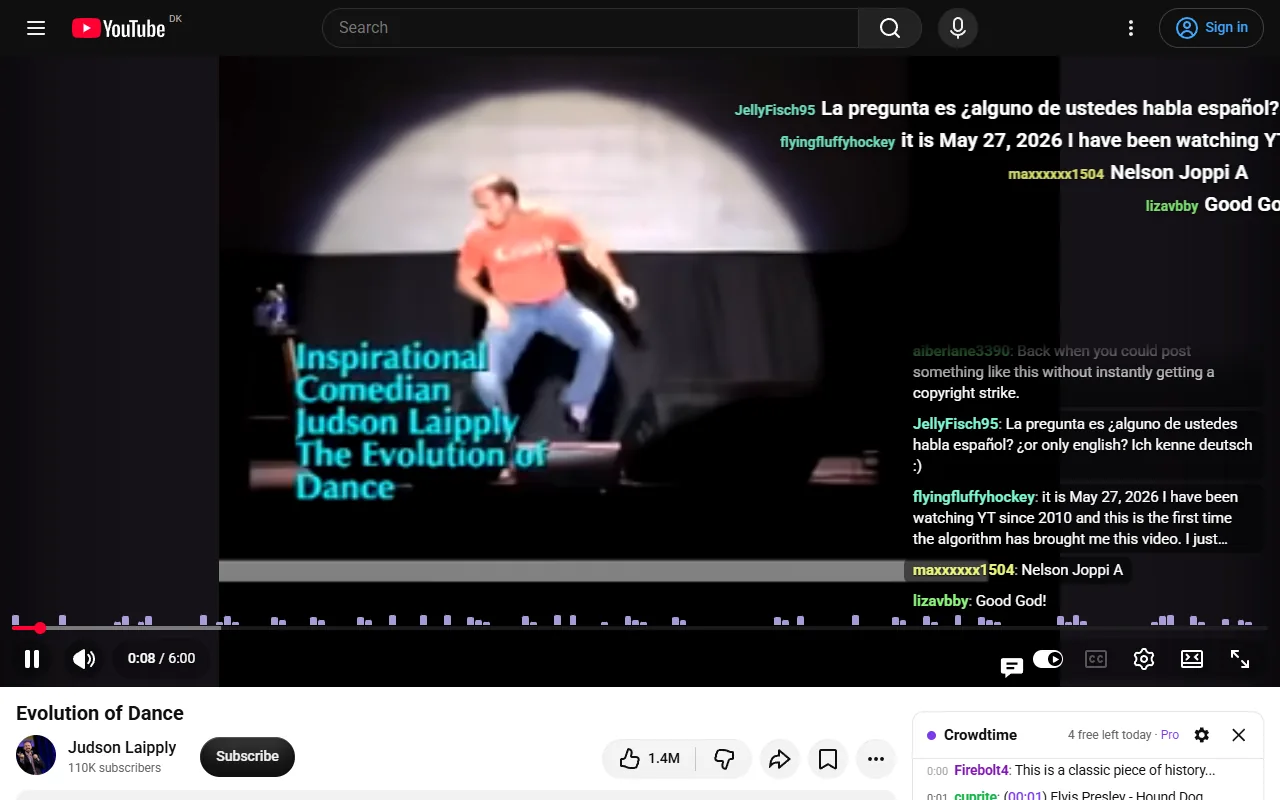
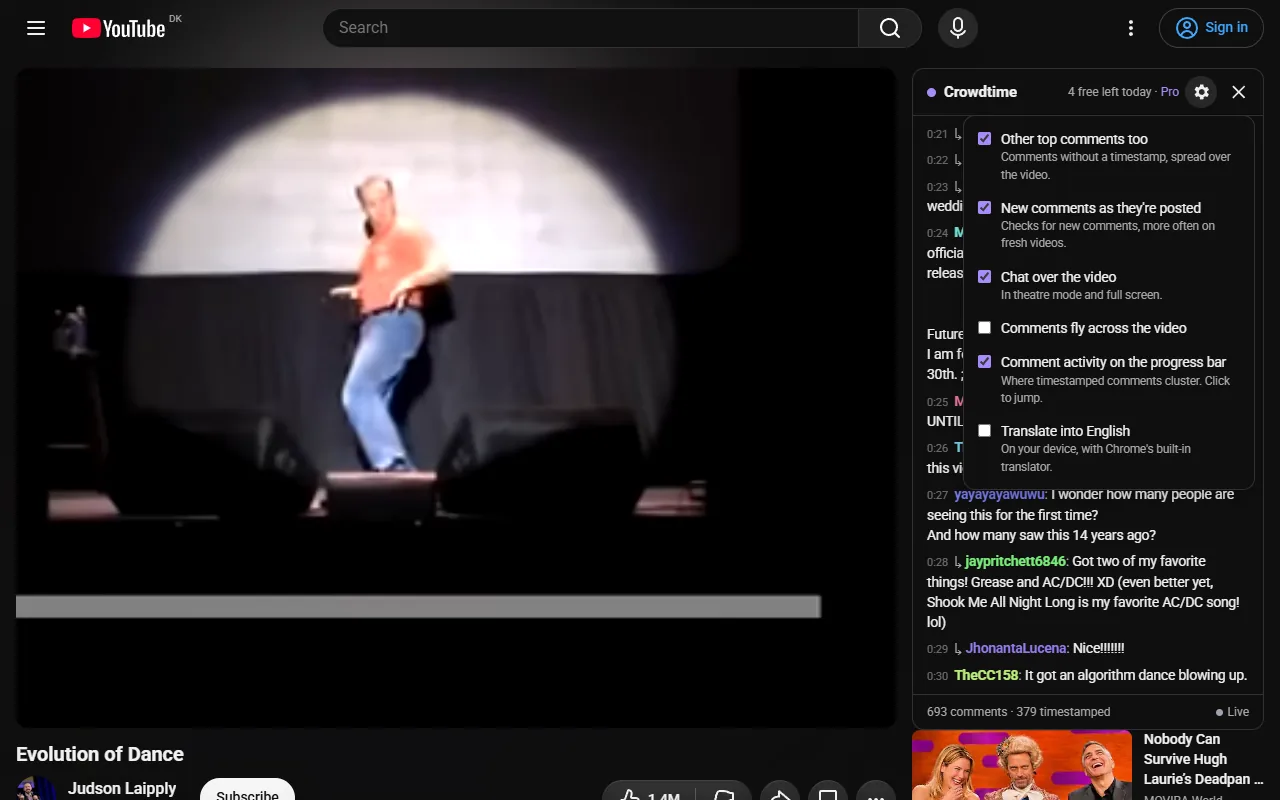
A thin strip above the progress bar shows where the comments cluster; click it to jump to the busy moments. In theatre mode and fullscreen the chat sits over the edge of the video, with optional flying comments across the top. Where Chrome offers its built-in translation, comments in other languages can be shown in yours, translated on your computer.
There is no account and no server of ours: comments are read from YouTube in your own tab, and your settings stay in your browser. On very large videos the chat reads the top 500 comment threads and their replies.
Free includes the chat on 5 videos a day; a video counts once a day when you open the chat on it, and the count resets at midnight. Crowdtime Pro removes the limit for $3.99 once.
Crowdtime is not affiliated with YouTube or Google.
Terms and refunds · Privacy policy. Support: spyridwn.pd@gmail.com.