
Berth: Session Backup & Recovery
Restore tabs, windows and tab groups from saved sessions. Automatic checkpoints and local backups for Chrome crash recovery.
Privacy policy · Terms of service · Support: spyridwn.pd@gmail.com
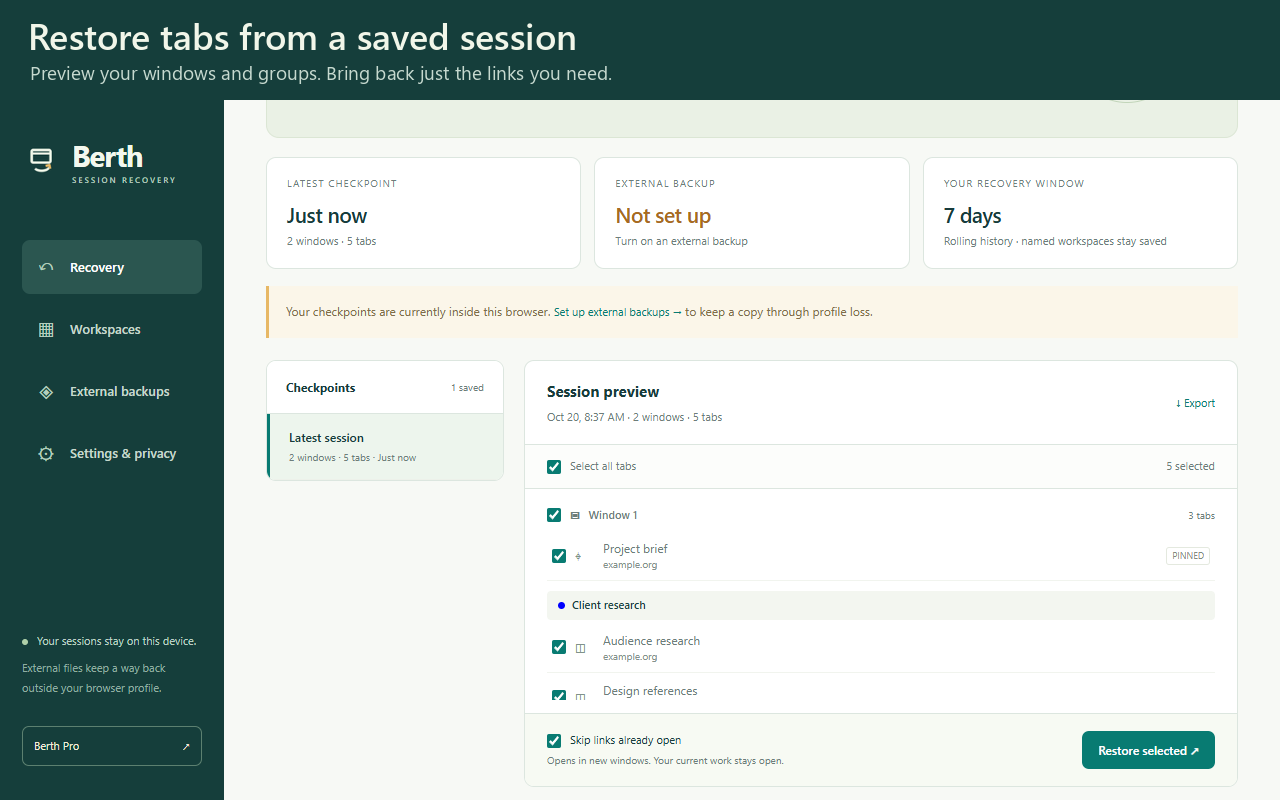
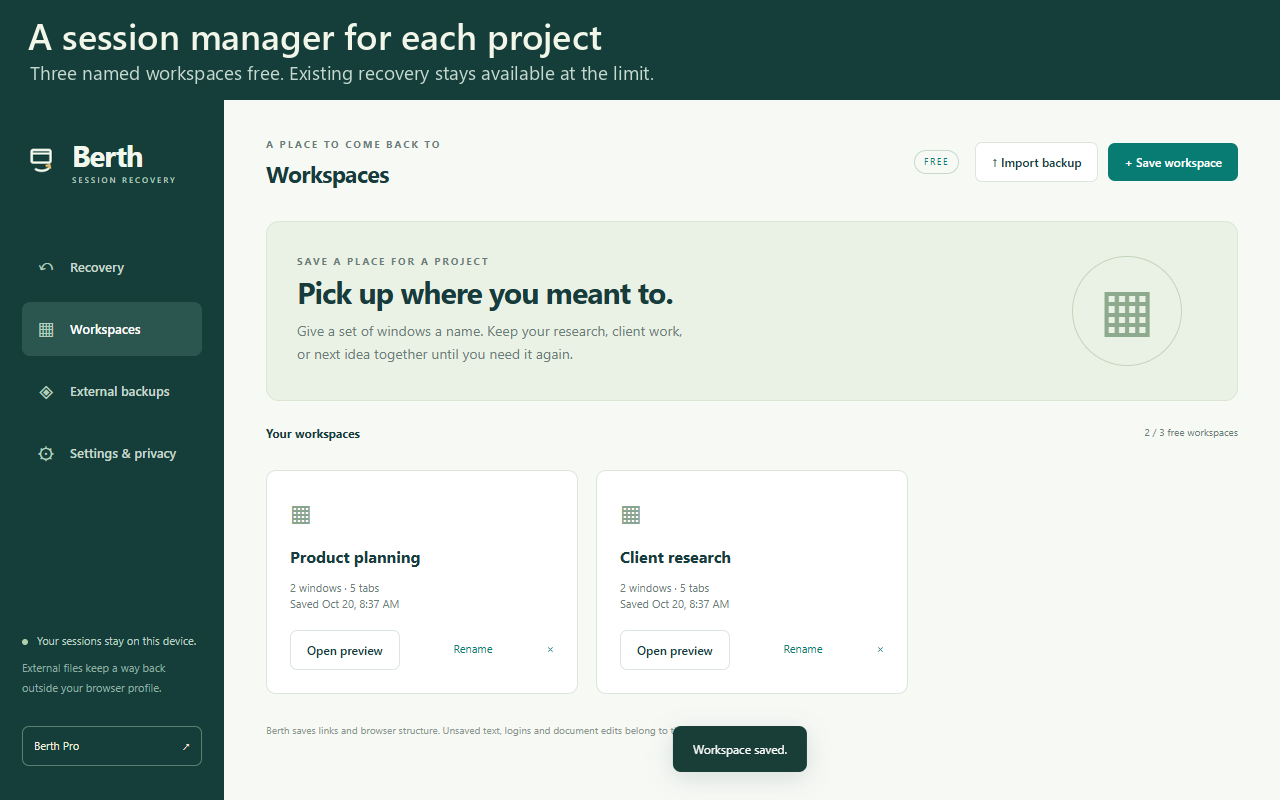
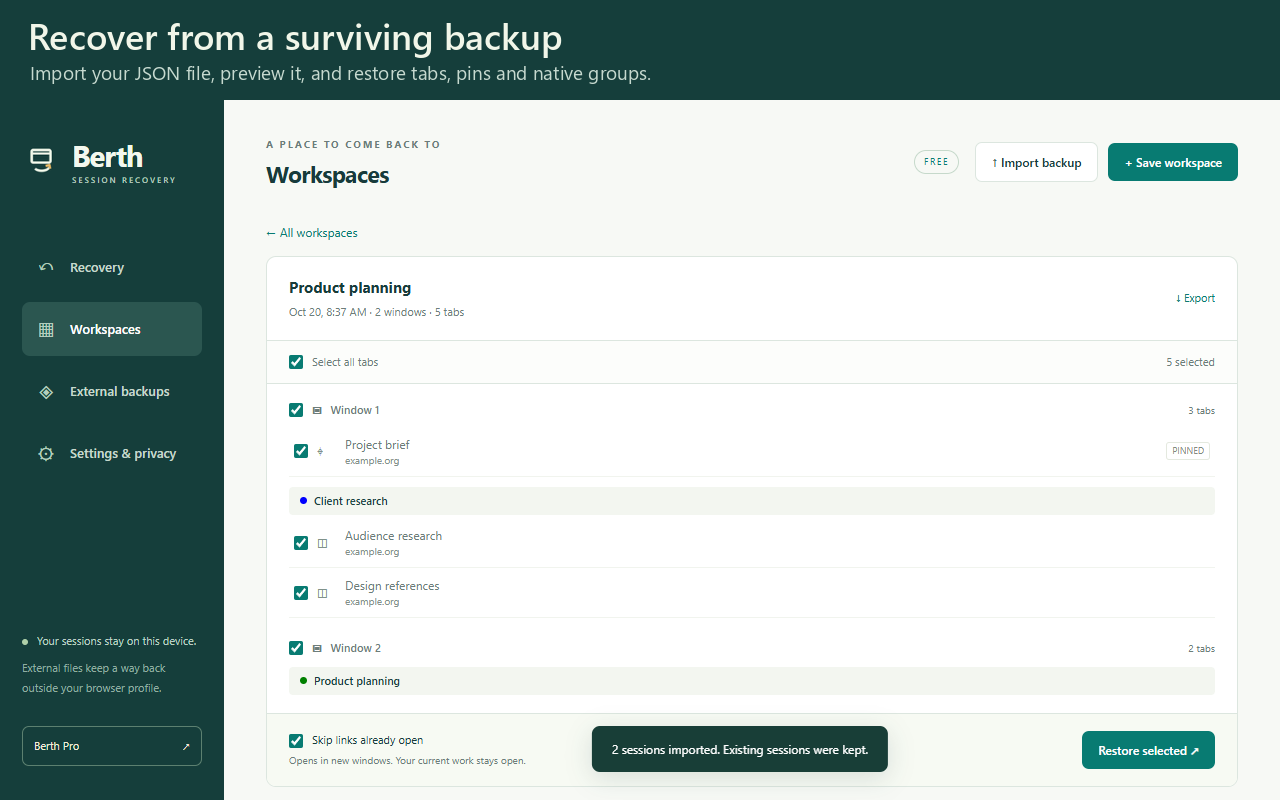
Keep a recovery copy of the browser work you have open: windows, tabs, pinned tabs and named tab groups. Berth is available free from the Chrome Web Store.
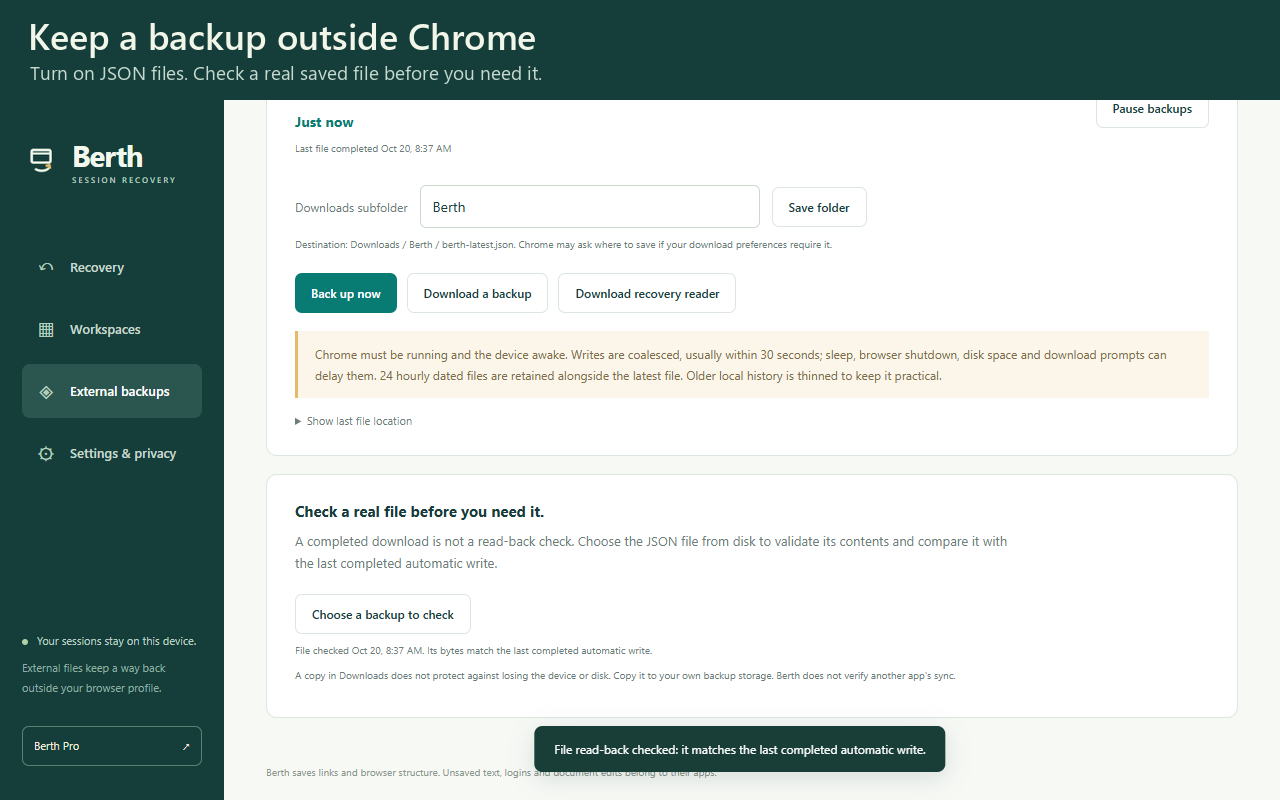
Berth saves checkpoints on your computer and writes portable JSON backups outside the browser profile. Preview a checkpoint, choose the windows or tabs you need, then restore them into new windows. Your existing work stays open.
A backup marked saved means Chrome completed the download. It does not mean a cloud service has copied it or that a read-back check has passed. Backups run while Chrome is running; retain a file outside the profile to recover after profile loss.
Free includes three named workspaces and seven days of checkpoint history. Berth Pro is a $12.99 one-time purchase for more workspaces and longer history. Existing checkpoints can always be exported and restored.
Berth restores tab URLs and window/group structure. It cannot restore unsent forms, cookies, login sessions or unsaved document edits. Session data stays on your computer. Optional daily usage totals are off unless you choose to share them.
How to restore tabs after a Chrome crash covers Chrome’s built-in recovery, free session managers and Berth’s backup workflow. Recover from a surviving JSON backup explains profile-loss recovery.
Watch the 96-second tutorial on YouTube: save a workspace, check a local backup and restore deliberately closed example windows. This is a real saved-session restore, not a crash test or recovery of unsaved work.
| Terms and refunds | Privacy policy. Support: spyridwn.pd@gmail.com. |