
LabelFill: Print Address Labels
Print address labels with LabelFill for Google Sheets™. Arrange fields, preview every label and start on a partly used sheet. One PDF sheet free; $9 once.
Privacy policy · Terms of service · Support: spyridwn.pd@gmail.com
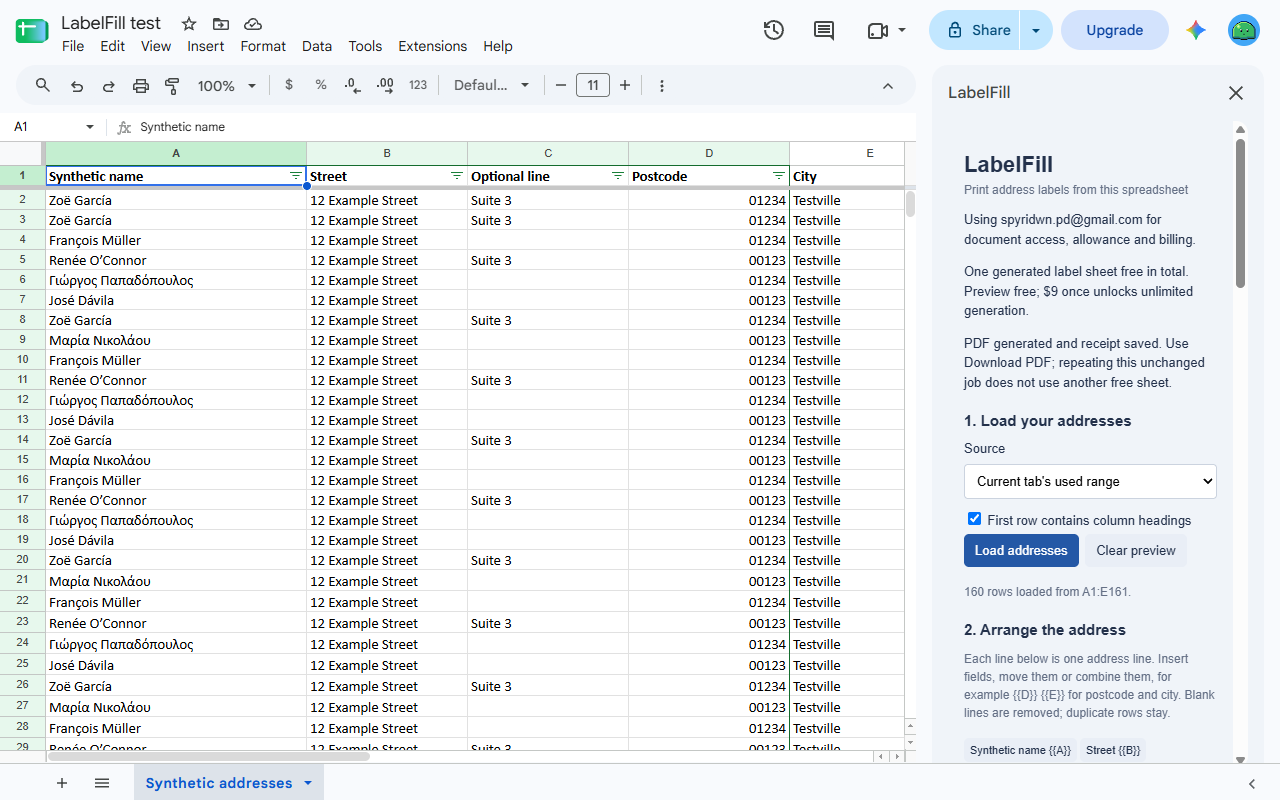
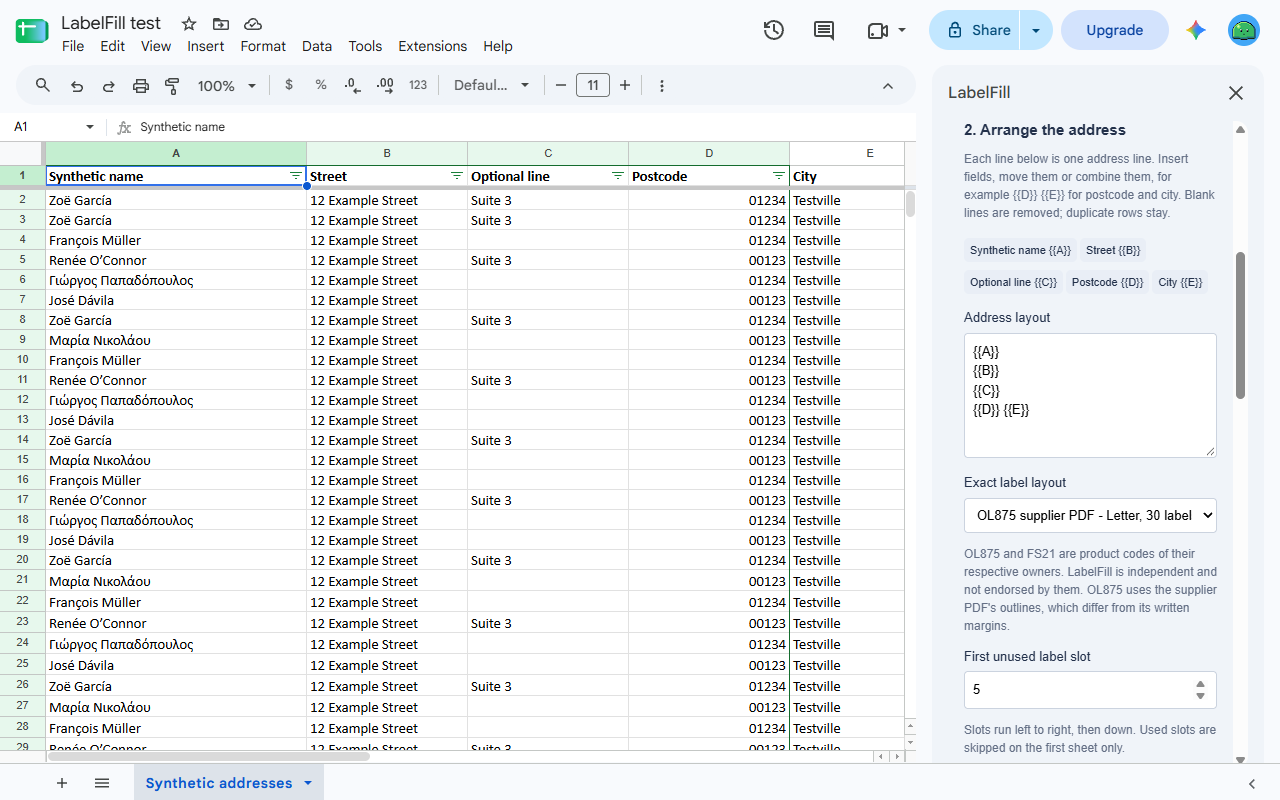
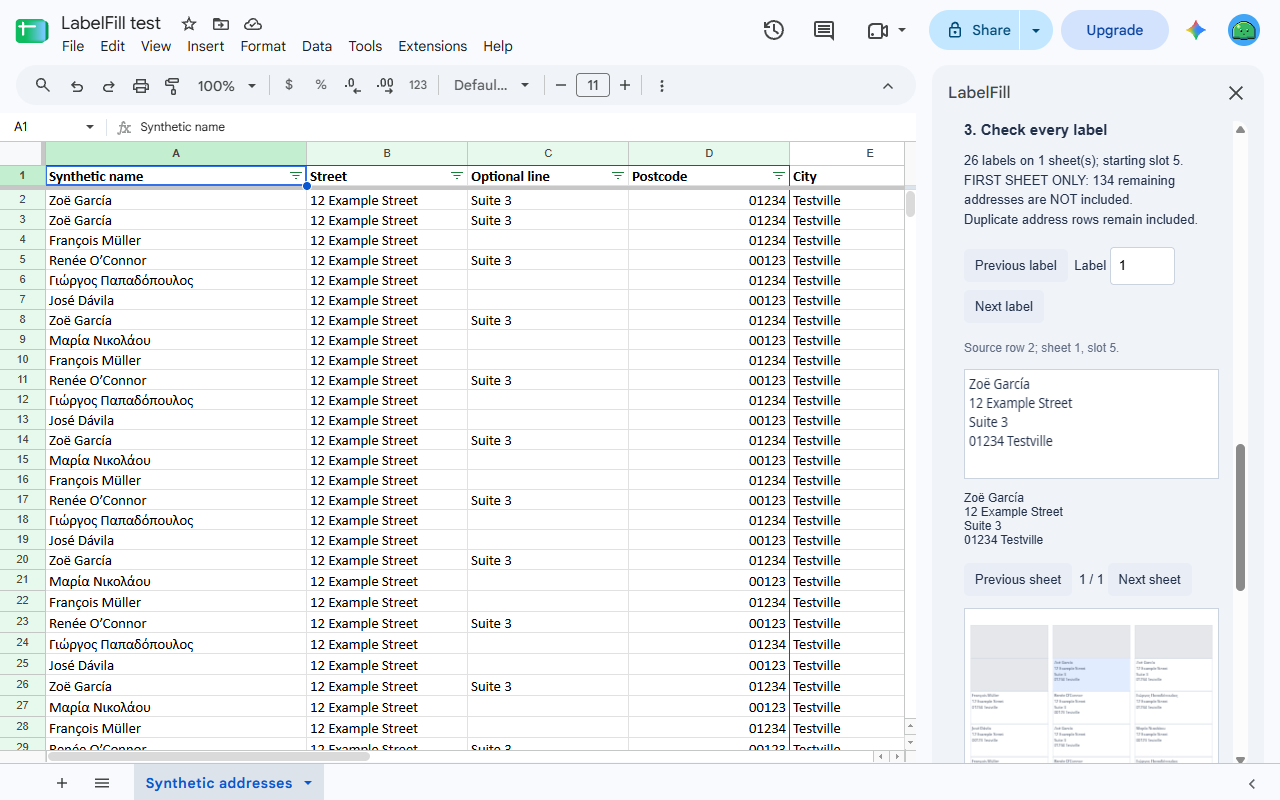
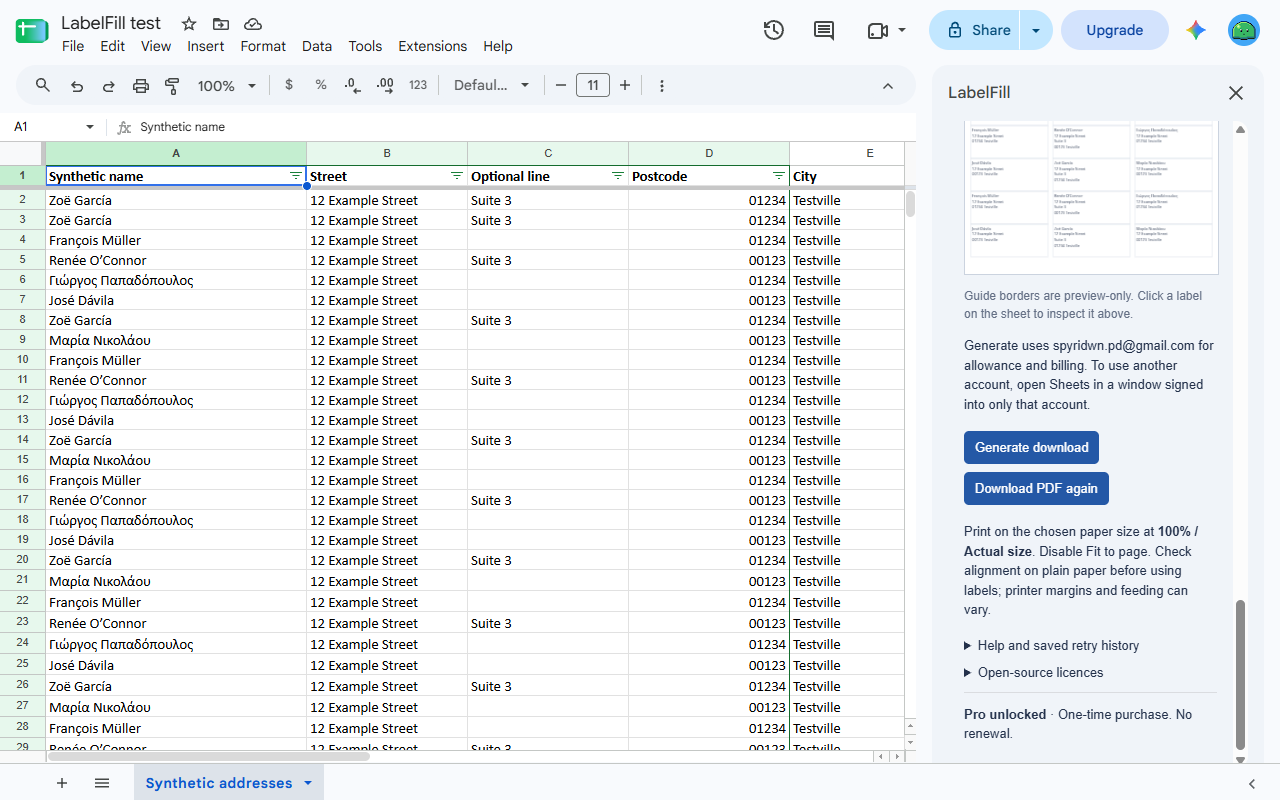
Turn an address list in Google Sheets™ into a printable PDF. Choose the address columns, arrange the lines and preview the labels without changing your source cells.
LabelFill is being prepared for Marketplace release. It is not available to install yet.
A focused printing workflow
- Read the displayed cell values, including postcodes formatted with leading zeroes.
- Keep duplicate rows and remove empty address lines.
- Start partway through the first sheet to use remaining labels.
- Check row-specific text or overflow errors before generating a PDF.
- Download the PDF in the sidebar; no Drive permission or outside PDF service is needed.
The initial supported layouts are the exact OnlineLabels OL875 Letter and Flexi Labels FS21 A4 layouts. LabelFill follows their supplier PDF outlines. FS21’s supplier names Avery® L7160 as its template reference; no exact cross-brand alignment is promised. Print at Actual size/100% and check a plain-paper copy first.
OL875 and FS21 are product codes of their respective owners. LabelFill is independent and is not endorsed by those suppliers. Avery is a trademark of its owner; LabelFill is not endorsed by Avery.
One sheet free, $9 once for more
Preview is free. Generate one PDF label sheet/page free in total per Google account. For a larger selection, explicitly choose the first sheet only, with the omitted-address count shown, or unlock unlimited generation on supported layouts for $9 once. No subscription or automatic renewal. Technical limits apply; refunds are available within 14 days.
The sidebar shows which Google account is used for the source, allowance and billing. A generated PDF counts when its completion is recorded, so keep your download. The latest unchanged job can retry after an interrupted reply; forgetting retry history does not restore the free allowance.
Your addresses stay with you
Addresses and PDFs are processed inside Google’s services and your browser. No AI service, outside PDF processor or address database receives your selected data. Stripe handles billing and receives your email, without receiving your spreadsheet content.
Privacy policy · Terms of service · Support: spyridwn.pd@gmail.com