
Marginshot: Screenshot & Markup
Capture a page or area, add markup, cover private details, and save locally. A screenshot editor with a one-time Pro tier.
Privacy policy · Terms of service · Support: spyridwn.pd@gmail.com
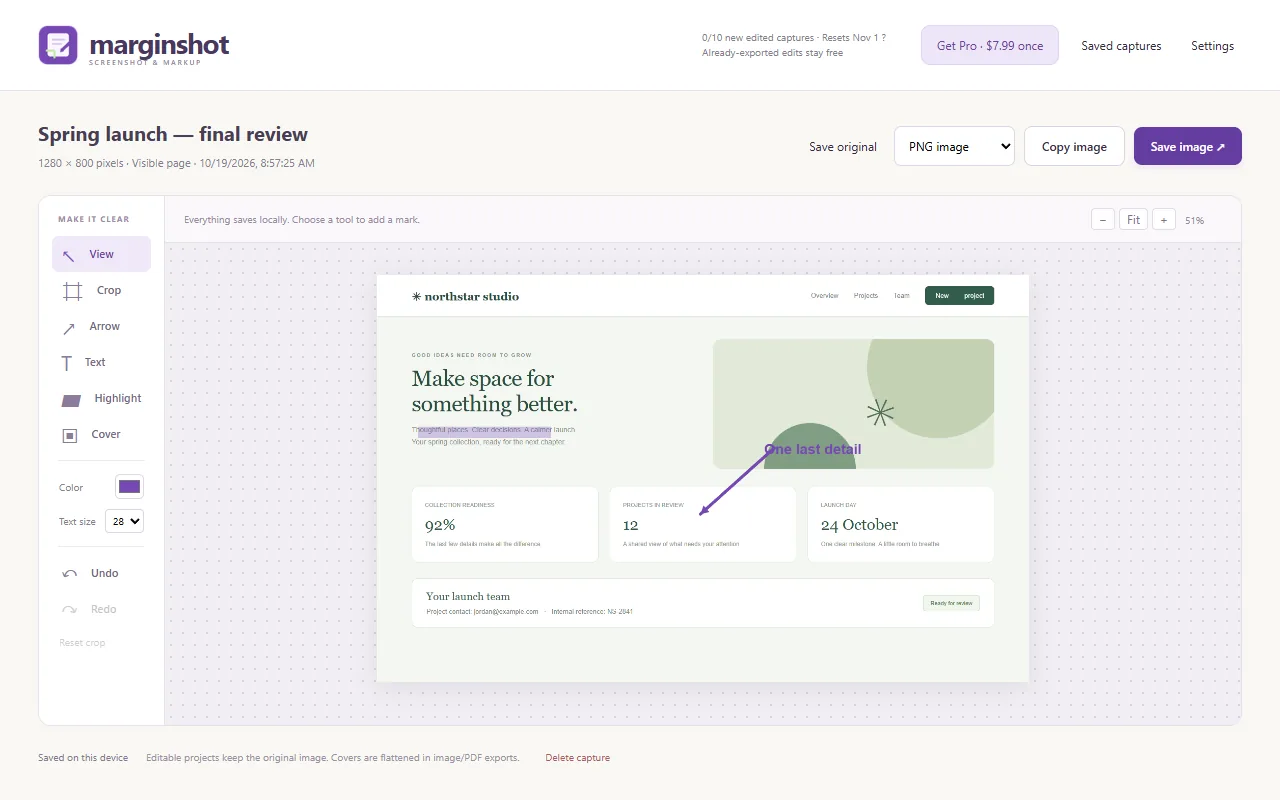
Capture a web page, point out what matters and save the result on your computer. Marginshot is being prepared for Chrome Web Store release.
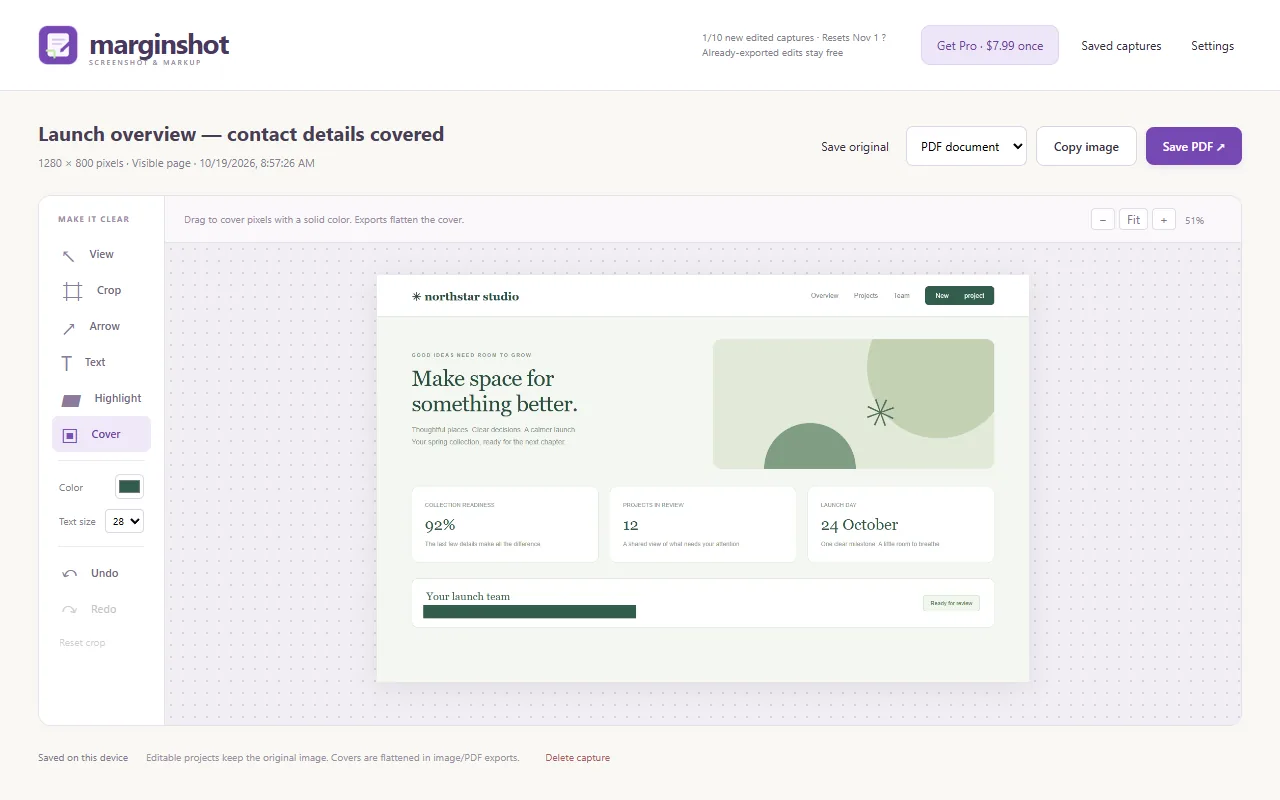
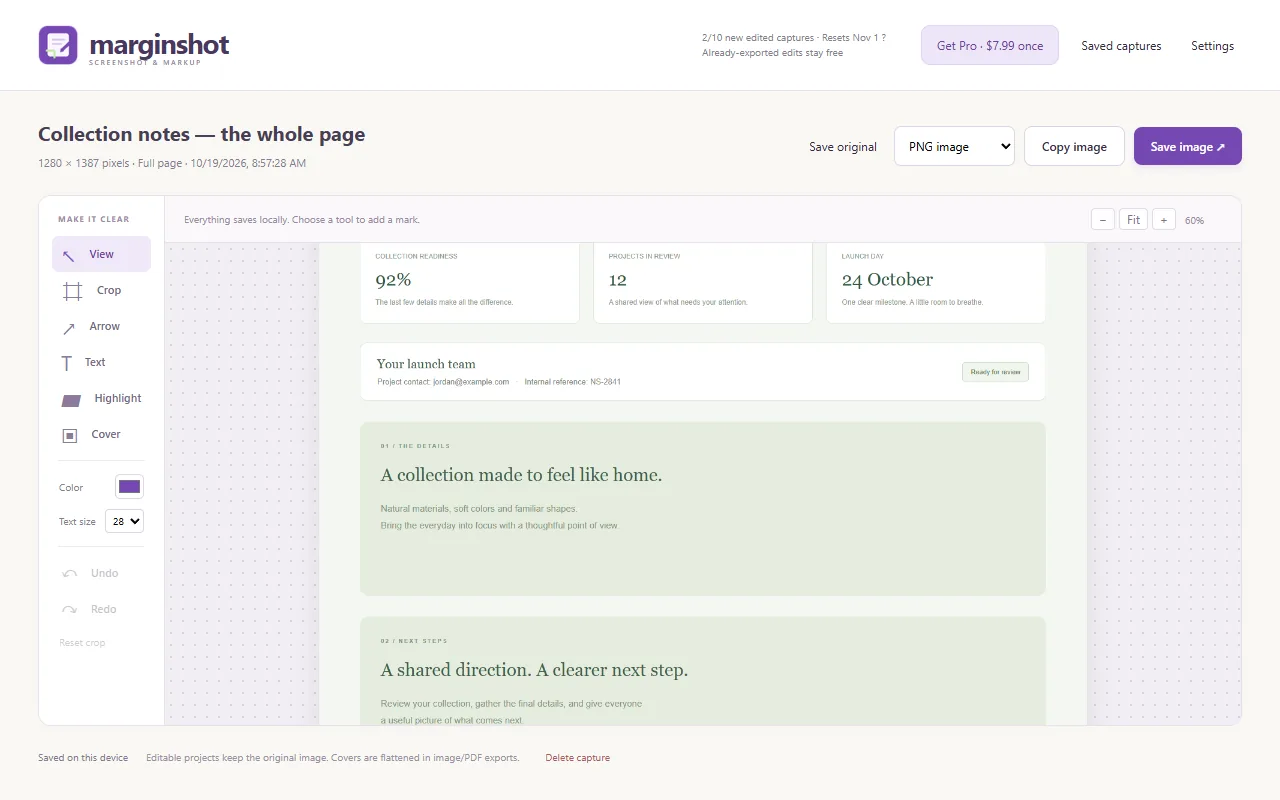
Choose the visible page, drag around an area or capture a full page. Crop the image, add arrows, text and highlights, or cover details you do not want in the exported result. Copy an image or save it as PNG, JPEG or PDF. Screenshots and editable projects stay local; there is no cloud upload or hosted-sharing service. Optional daily action totals are off unless you choose to share them; they contain no screenshots, page information or installation identifier.
Free includes unlimited original captures and ten new edited captures per local calendar month. A capture uses an allowance on its first successful edited copy or export. Exporting that edited capture again, changing format or making more edits does not use another allowance. Failed attempts do not spend it. Marginshot Pro removes the allowance for $7.99 once.
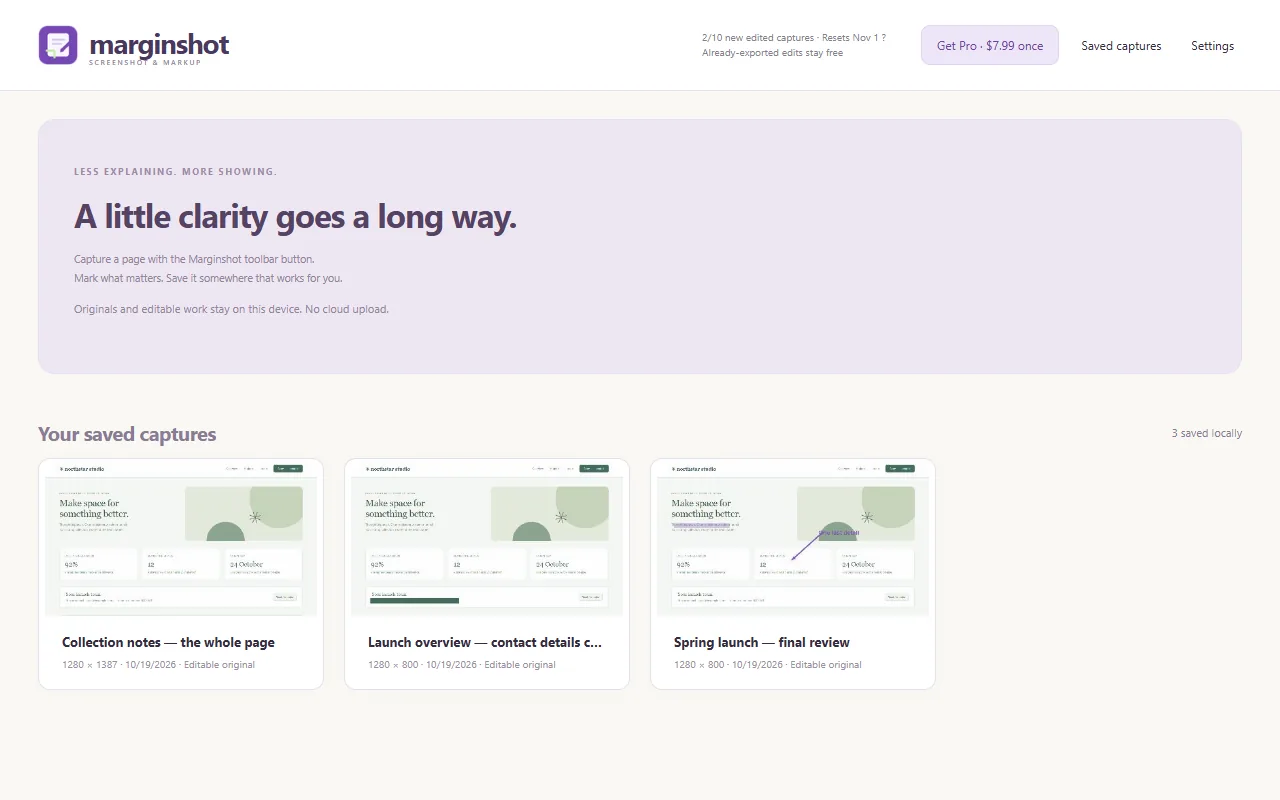
An editable project keeps the original image, including pixels under covers. Image and PDF exports flatten the current edits. Review the exported result before sharing it; use Delete capture or Clear saved captures to remove local editable projects you no longer want.
Full-page capture scrolls the main page while its tab remains active. Infinite feeds, inner scrolling areas, protected pages and very large pages may need a smaller capture. Keep an exported copy of work you want to retain: uninstalling the extension or losing its browser profile can remove saved projects.
Terms and refunds · Privacy policy. Support: spyridwn.pd@gmail.com.