
PhotoFill: Insert & Import Photos, Images in Bulk
Import selected Photos, private Drive images or local JPEG/PNG files into Slides™. Preview and reorder first, resume stopped jobs. Try 12 photos free; $4.99 seven-day pass, no renewal.
Privacy policy · Terms of service · Support: spyridwn.pd@gmail.com
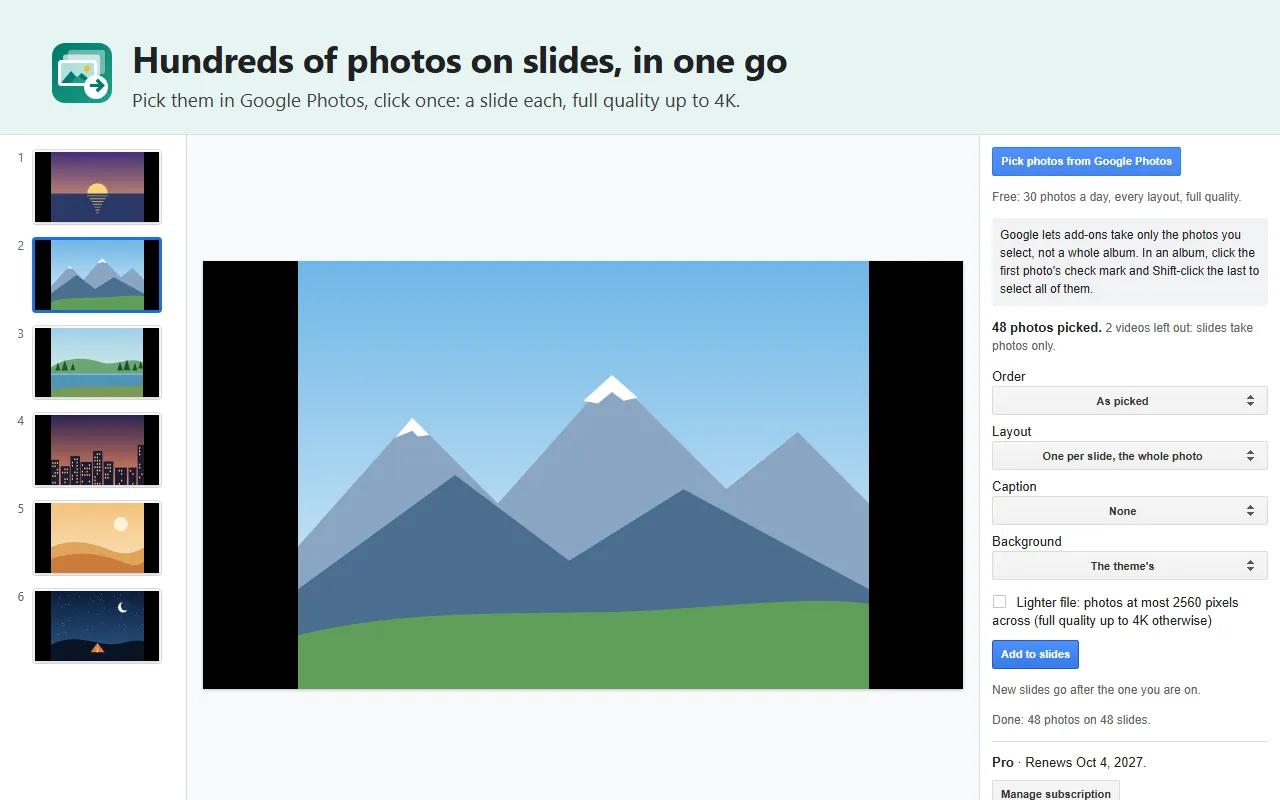
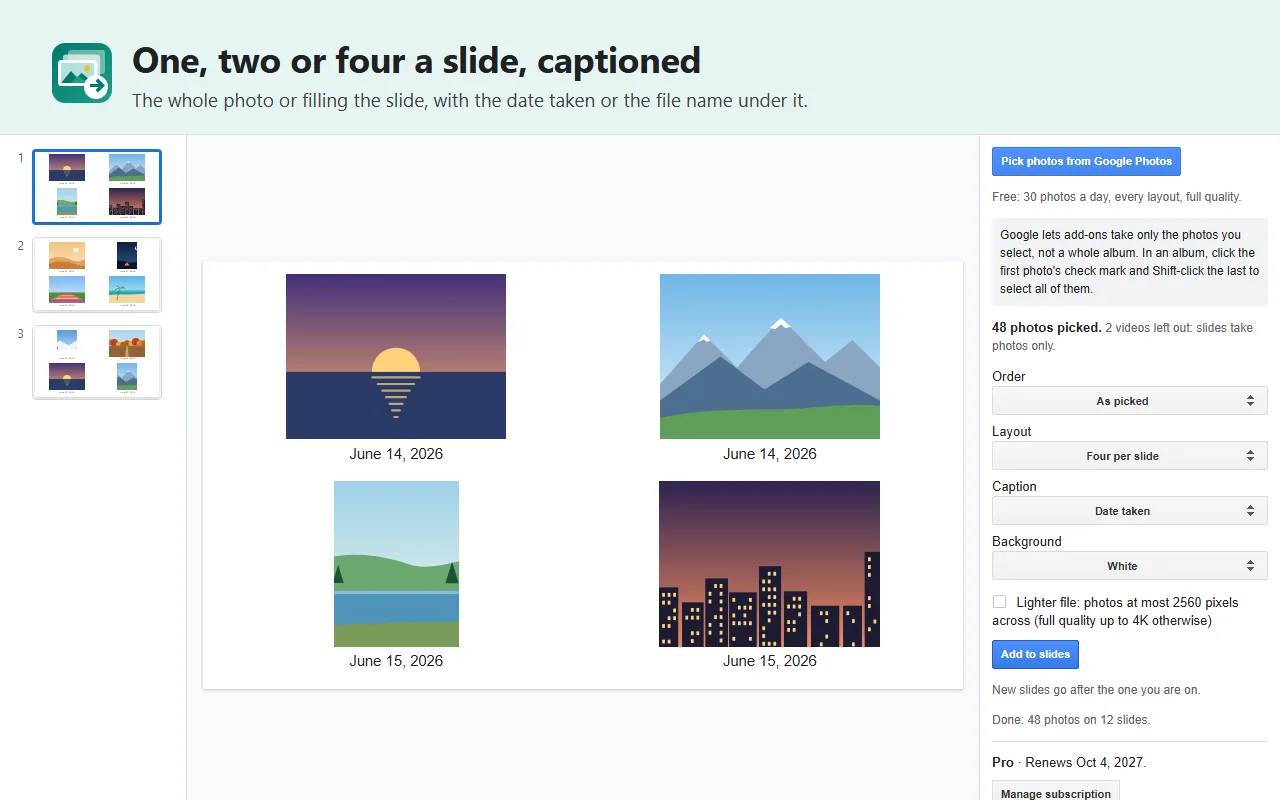
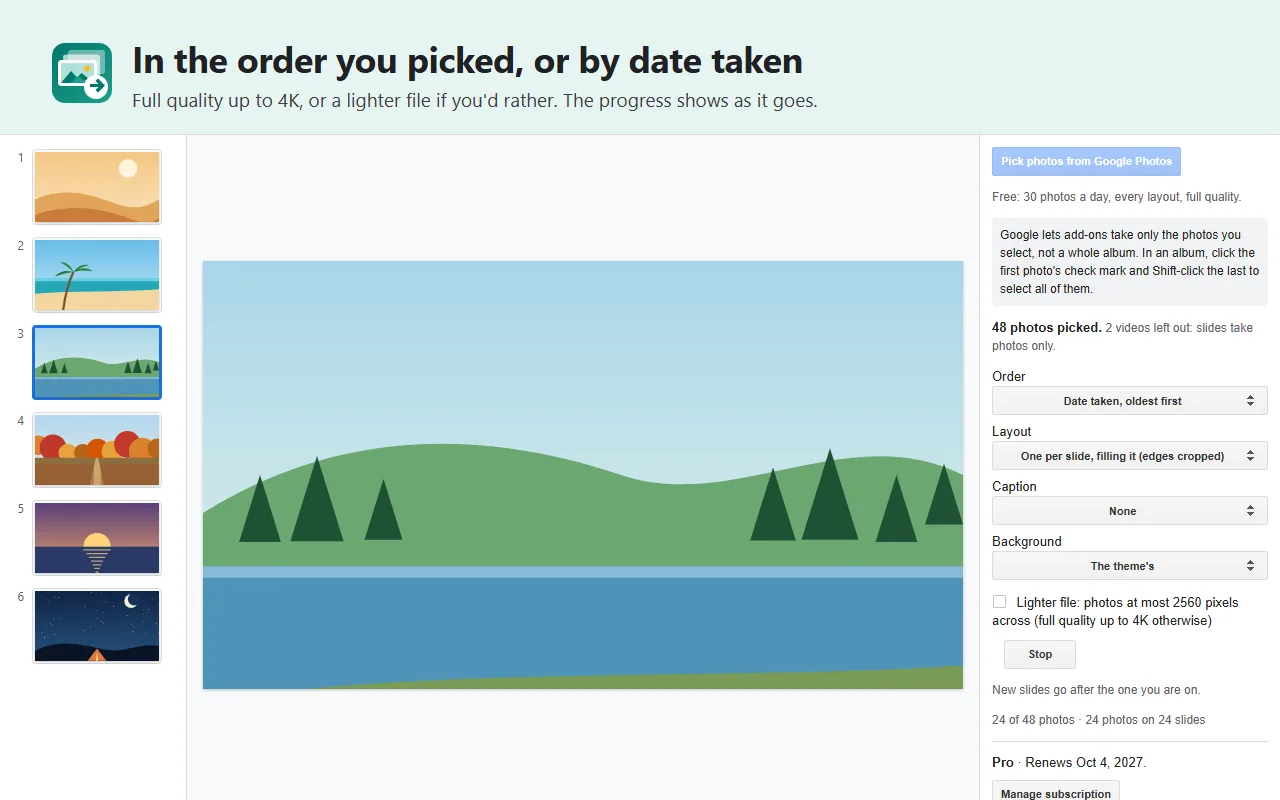
Make a photo deck for a class, celebration, family occasion or work report. PhotoFill adds the images you select to Google Slides™, with a layout and order you can check before importing.
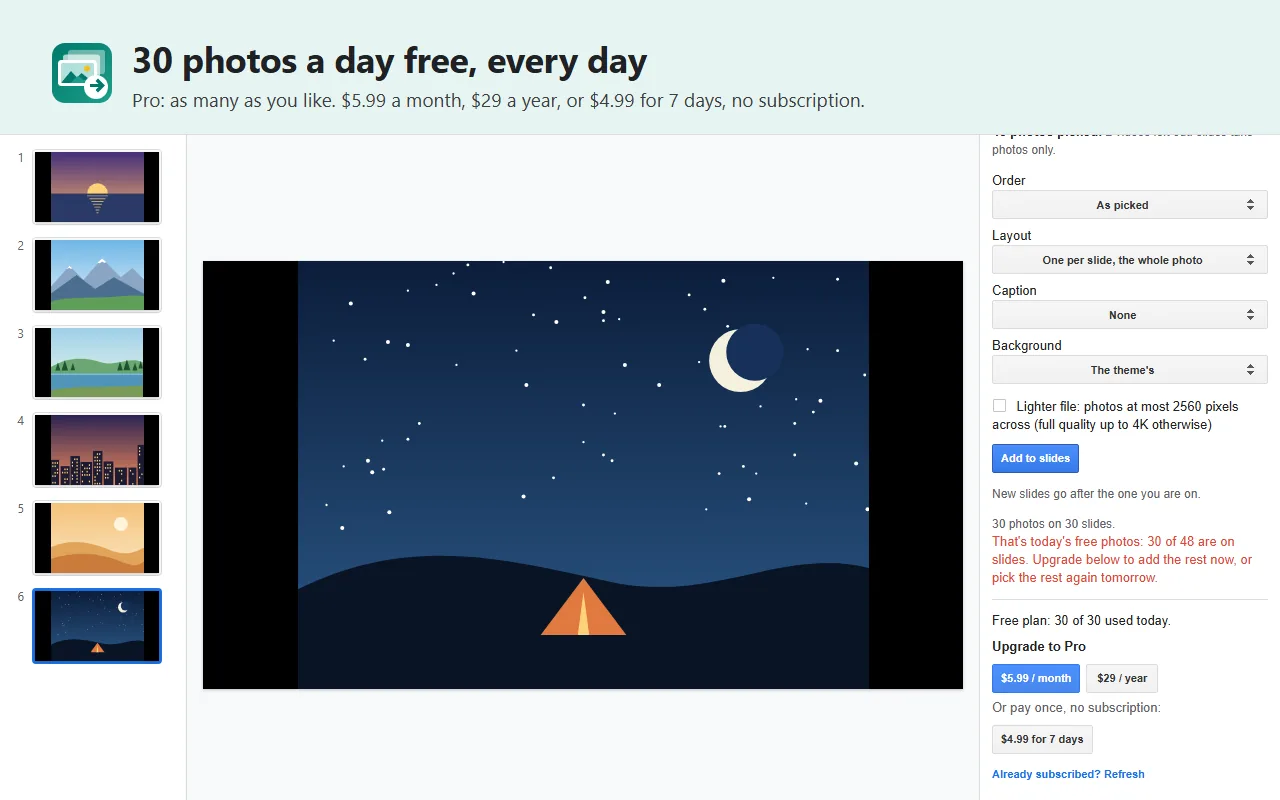
One event? $4.99 buys seven days of Pro, with no renewal. New users can try 12 successful photo insertions free, with every layout and full quality. Existing users keep their previous 30-photo daily allowance.
Install PhotoFill from the Google Workspace™ Marketplace, then open Extensions > PhotoFill > Open PhotoFill.
Pick, preview, present
- Choose your source. Select photos in Google Photos™, pick private images from Google Drive™, or choose JPEG/PNG files from your computer. Drive images can stay private.
- Check the deck before creating it. Preview the selected photos and layout; reorder or remove images, choose fit or fill, and add file-name or date captions.
- Import with the price clear. PhotoFill checks the full selection against your remaining free allowance first. Choose a smaller selection or get Pro before starting a larger job.
- Pause and return. A recoverable job keeps track of completed images for seven days. Reopen it in the same presentation to continue. For local images, select the same original files again; completed slides are preserved.
Try the local workflow with the two-image starter ZIP. Unzip it and follow the local-image guide to preview and import the sample.
PhotoFill shows the Google account used for your selected sources, allowance and billing. For a different account, open the presentation in a window signed in only to that account.
Choose one photo per slide, two side by side or four in a grid. Fit keeps the whole photo; fill crops the edges. Images use their own resolution up to 4K, with a lighter 2560-pixel option for every source. New slides go after the current slide, so you can start with a title you have already made.
If an interrupted import leaves a partial object that PhotoFill cannot safely identify, recovery asks you to remove that object before retrying, rather than risk inserting a duplicate.
What to know before selecting
- Up to 500 images in one job; one recoverable job per account at a time.
- Google Photos™ lets you select photos, rather than giving PhotoFill access to your whole library.
- Private Drive inputs are JPEG/PNG, at most 20 MB and 25 megapixels each. Local JPEG/PNG files can be up to 50 MB each and are resized in your browser before insertion.
- Convert unsupported formats such as HEIC to JPEG/PNG first, or select the photos through Google Photos™. Videos and unsupported files are identified before the import starts.
- Google service quotas still apply to Pro. Check the finished deck before presenting.
Plans
| Plan | Price | Best for |
|---|---|---|
| Free sample | 12 successful photos total for new users | Check quality, layout and the workflow |
| Seven-day Pro pass | $4.99 once; no renewal | Finish one event’s deck |
| Pro monthly | $5.99/month | Regular presentations |
| Pro yearly | $29/year | Frequent use throughout the year |
Pro removes PhotoFill’s free-image cap. Subscriptions renew until cancelled from the sidebar; a pass ends automatically. Existing users retain 30 free photos per day. Payment is through Stripe, with any tax shown at checkout.
Your selected images go into your presentation through Google’s services. They are not sent to an AI model or an analytics provider. Recovery is available for seven days; saved metadata is cleared on the next open after expiry or Discard. Aggregate reliability/use counts contain no image content or file identifiers.
Guides: Upload local images to slides · Import selected Drive images · Google Photos™ to Google Slides™ · Photos to Slides alternatives
Add-on will not open or uses the wrong Google account?
Privacy policy · Terms of service · Support: spyridwn.pd@gmail.com